 +1 302 486 0000
  +61 2 5129 0955
  +44 7828 573520
  +44 7828 573520
In the era of instant messaging, businesses are constantly seeking new ways to stay connected with their customers. WhatsApp, a globally popular messaging platform, has emerged as a powerful tool for businesses to streamline their communication and provide better customer service. With the introduction of WhatsApp Business and its various features, businesses can now effectively manage their interactions and improve customer satisfaction.
In this blog, we’ll explore how to get started, the benefits, and how to maximize its potential for your business.
1. Getting Started with WhatsApp Business
It is designed to cater to the needs of small and medium-sized businesses. It allows companies to create a dedicated Business account to interact with customers, offering features that go beyond what the standard WhatsApp app provides. To get started, you can easily download the WhatsApp-Business app from your preferred app store.
Once downloaded, setting up your account is straightforward. However, a common question arises:
Can I use my personal number for WhatsApp-Business?
The answer is yes, but it’s recommended to use a separate WhatsApp-Business number to maintain a clear distinction between personal and business communications.
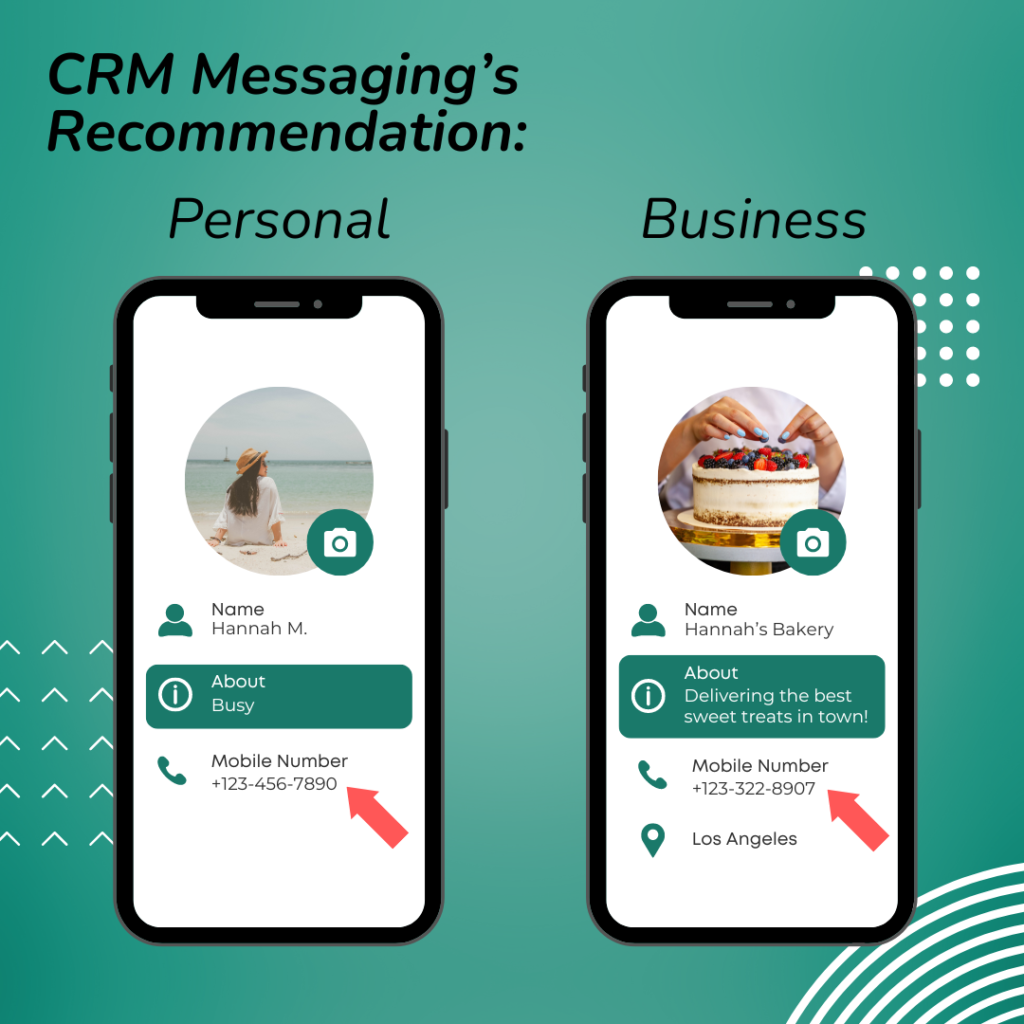
Additionally, businesses often ask,
Can I use WhatsApp and WhatsApp-Business on the same number?
The answer is no, as WhatsApp doesn’t allow one number to be associated with both versions of the app simultaneously. So you may need to delete your normal whatsapp account if you want to use your personal number for a Whatsapp business account.
For larger businesses looking for more advanced features, the WhatsApp Business API offers a robust solution. This API allows businesses to integrate WhatsApp messaging into their existing customer relationship management (CRM) systems, enabling automated and bulk messaging capabilities.
2. Benefits of WhatsApp-Business API
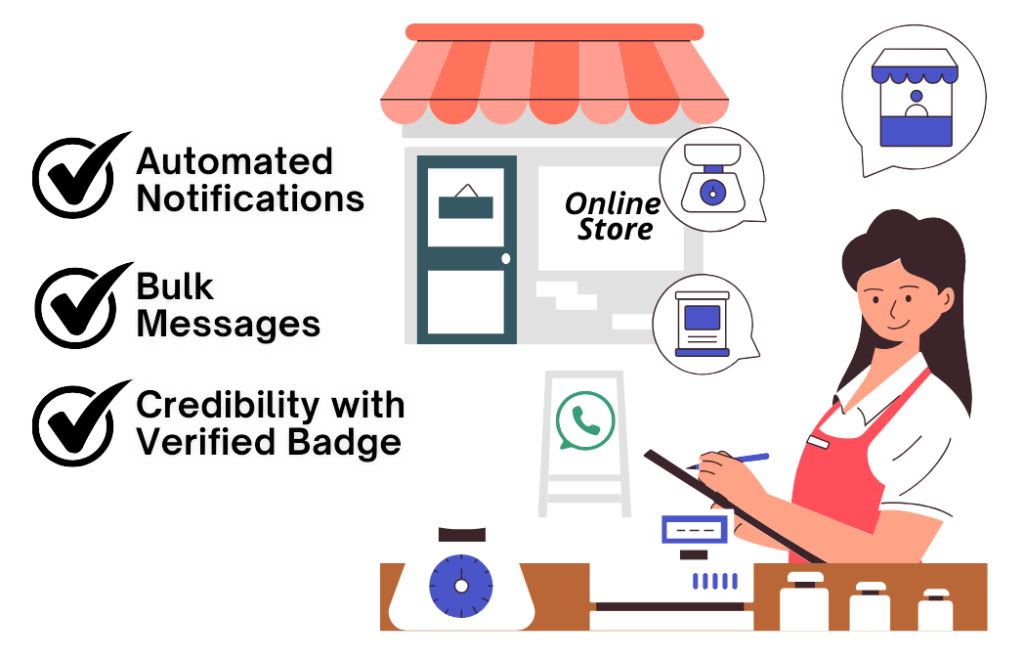
The WhatsApp-Business API is a game-changer for businesses looking to scale their communication efforts. One of the key advantages of the WhatsApp-Business API is its ability to send automated messages and notifications. For example, businesses can use the API to confirm orders, send shipping updates, or respond to customer inquiries instantly. This automation not only saves time but also ensures that customers receive timely information.
Another significant advantage is the ability to send WhatsApp bulk messages. With the WhatsApp bulk message sender or WhatsApp bulk message software, businesses can send messages to large groups of customers simultaneously. This is particularly useful for marketing campaigns, promotions, or important announcements. CRM Messaging is the perfect platform for you to send WhatsApp bulk messages. However, it’s essential to use bulk messaging responsibly to avoid spamming your customers and to comply with WhatsApp’s policies.
3. Maximizing WhatsApp Business for Customer Engagement
Once your WhatsApp Business account is set up and running, you can start leveraging its features to enhance customer engagement. The WhatsApp Business web version allows you to manage your business communications from your desktop, making it easier to respond to messages quickly and efficiently.
Moreover, businesses can now benefit from Meta Verified Business WhatsApp. This feature adds a verification badge to your WhatsApp Business account, increasing your credibility and ensuring that customers know they’re interacting with a legitimate business.
For businesses that rely on a large volume of customer interactions, integrating the WhatsApp API for business into your CRM system can significantly improve efficiency. By automating routine tasks and enabling bulk messaging, your team can focus on more complex customer inquiries and build stronger relationships.
4. Best Practices for Using WhatsApp Business
To get the most out of WhatsApp Business, it’s crucial to follow best practices. Start by crafting clear and concise messages that resonate with your audience. Personalization is key—use customer names and tailor messages based on their previous interactions with your business.
Additionally, consider the timing of your messages. Avoid sending messages at odd hours, and ensure that your bulk messages are relevant and valuable to the recipients. Respect your customers’ preferences and provide options for them to opt out of receiving messages if they wish.
Finally, always stay up to date with WhatsApp’s policies and guidelines. Compliance with these rules will help you avoid any potential issues and ensure that your WhatsApp Business account remains in good standing.
5. Conclusion: Embracing the Future with WhatsApp Business
WhatsApp Business offers a powerful platform for businesses to connect with their customers in a more personal and efficient way.
Whether you’re a small business owner or managing a large enterprise, leveraging the features of WhatsApp Business and the WhatsApp Business API can help you enhance your communication strategy, improve customer satisfaction, and drive growth.
As more businesses recognize the value of WhatsApp Business, staying ahead of the curve and adopting these tools will be key to maintaining a competitive edge. At CRM Messaging, we specialize in helping businesses seamlessly integrate WhatsApp Business into their communication strategies.
From setting up the WhatsApp Business API to managing bulk messaging and automation, our platform ensures you connect with your customers effectively and efficiently. Get in touch with us today to see how we can elevate your customer communication!