 +1 302 486 0000
  +61 2 5129 0955
  +44 7828 573520
  +44 7828 573520
Hey folk! Sales teams today face a common challenge: Not having unified communication tools and have to manage multiple touchpoints with potential customers across different platforms. From the first contact to closing the deal, each interaction is a chance to build a relationship and move the prospect closer to a purchase. But juggling these interactions is a real headache and lead to missed opportunities.
Why Integrated Unified Communication Tools Matter
Here’s the thing: switching between different communication tools is time-consuming and inefficient. It’s tough to keep track of conversations and stay organized, and it can hurt team collaboration. Plus, inconsistent communication can leave prospects feeling neglected or confused. Integrating and having unified communication tools can solve these problems:
- Improved Efficiency: You save time by not constantly switching between platforms.
- Better Collaboration: Your team can coordinate and share information more easily.
- Enhanced Customer Experience: Prospects get timely and relevant information, making them happier.
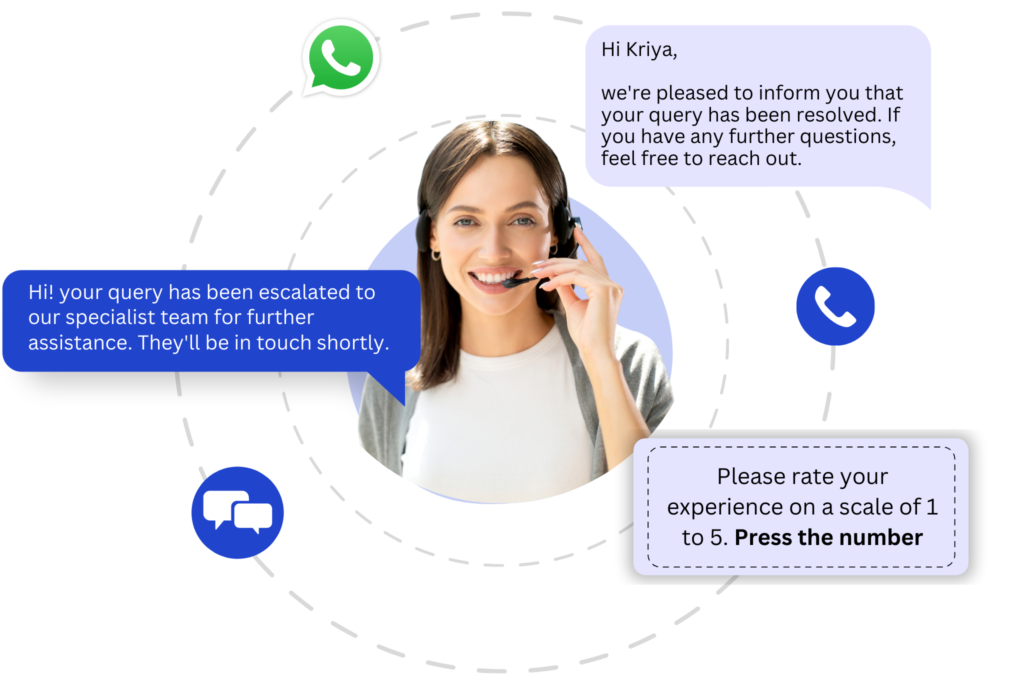
Strategies for Using Integrated Unified Communication Tools
SMS
- Quick Responses: Use SMS to quickly reply to inquiries and provide initial info about your products or services. Automated responses can acknowledge receipt of an inquiry and set expectations for follow-up.
- Updates & Reminders: Schedule SMS updates to keep prospects informed about new offers, webinars, or product updates. Personalize messages to make the prospect feel valued.
- Follow-Ups: Send reminders for upcoming meetings or deadlines via SMS to ensure prospects stay on track. Use SMS for quick follow-ups after meetings or calls to reiterate key points and next steps.
- Initial Engagement: WhatsApp is great for initial engagement. Answer questions, provide additional info, and schedule calls or meetings.
- Broadcast Messages: Create broadcast lists to send personalized messages about new products, success stories, or relevant industry news. Use WhatsApp Status to share updates and keep prospects engaged.
- Real-Time Negotiations: Use WhatsApp for real-time communication during negotiations. Send documents, discuss terms, and address last-minute questions or concerns.
Calls
- Personal Connection: Make initial contact with leads through phone calls to establish a personal connection. Use call scripts to ensure consistency and cover all essential points.
- Follow-Up Calls: Schedule regular follow-up calls to address any questions and build rapport. Use call recordings to review and improve your approach.
- Negotiations: Conduct detailed discussions and negotiations over the phone to finalize terms. Ensure all decision-makers are involved in these calls to expedite the closing process.
Live Chat
- Real-Time Engagement: Implement live chat on your website to capture and engage leads in real time. Answer questions promptly and guide visitors through the initial stages of the sales funnel.
- Instant Support: Use live chat to provide instant support and information to prospects researching your products. Proactively reach out to visitors who spend significant time on key pages.
- Purchase Assistance: Offer live chat support during the purchase process to address last-minute concerns. Ensure your sales team is available to assist with completing transactions.
- Lead Capture: Use email marketing campaigns to capture leads through newsletters, free trials, or gated content. Segment your email list to target different lead types effectively.
- Nurturing: Send personalized email sequences to nurture prospects over time. Include case studies, testimonials, and relevant content that addresses their pain points.
- Documentation: Use email to send detailed proposals, contracts, and other necessary documents. Follow up on emails with calls or meetings to discuss the details and move towards closing.
Best Practices for Integrating Unified Communication Tools
- Centralized CRM System: Implement CRM Messaging system that integrates all communication channels to track interactions and maintain a complete view of each prospect.
- Automation: Use automation tools to handle routine tasks like follow-up emails, SMS reminders, and data entry.
- Consistent Branding: Ensure all communication channels reflect your brand’s voice and values for a seamless experience.
- Training: Train your sales team on how to effectively use each communication channel and the integrated system.
- Analytics: Regularly review communication analytics to understand which channels are most effective and where improvements can be made.
Conclusion
Integrating and having Unified Communication Tools into a sales and marketing process can significantly enhance efficiency, collaboration, and customer experience. By strategically using various communication channels, sales & marketing teams can better manage leads, nurture prospects, and close deals faster. Implementing these strategies will help your sales team stay organized, responsive, and effective in an increasingly competitive market.